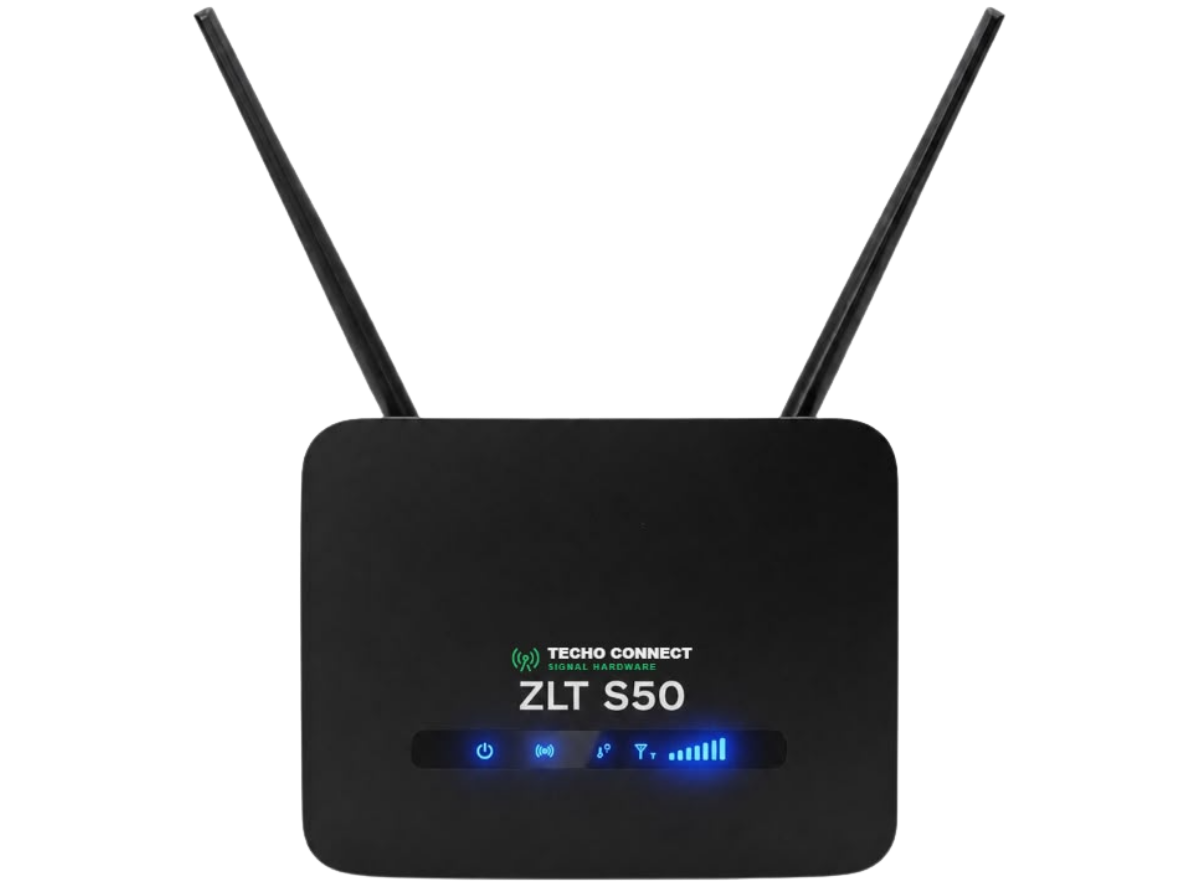
Enter your router numbers below to instantly diagnose why your internet is slow and find the best solution.
Simple 5-step guide for non-technical users:
Make sure your mobile phone or laptop is connected to your router's Wi-Fi network.
Open Chrome or Safari and type 192.168.8.1 or 192.168.1.1 into the address bar.
Enter the password written on the bottom sticker of your router (usually admin).
Click on Advanced Settings → Device Information or System Status.
Enter the numbers for SINR, RSRP, RSRQ, and RSSI in the form on the left.